


Cloud Computing for Small Businesses: Benefits and Risks
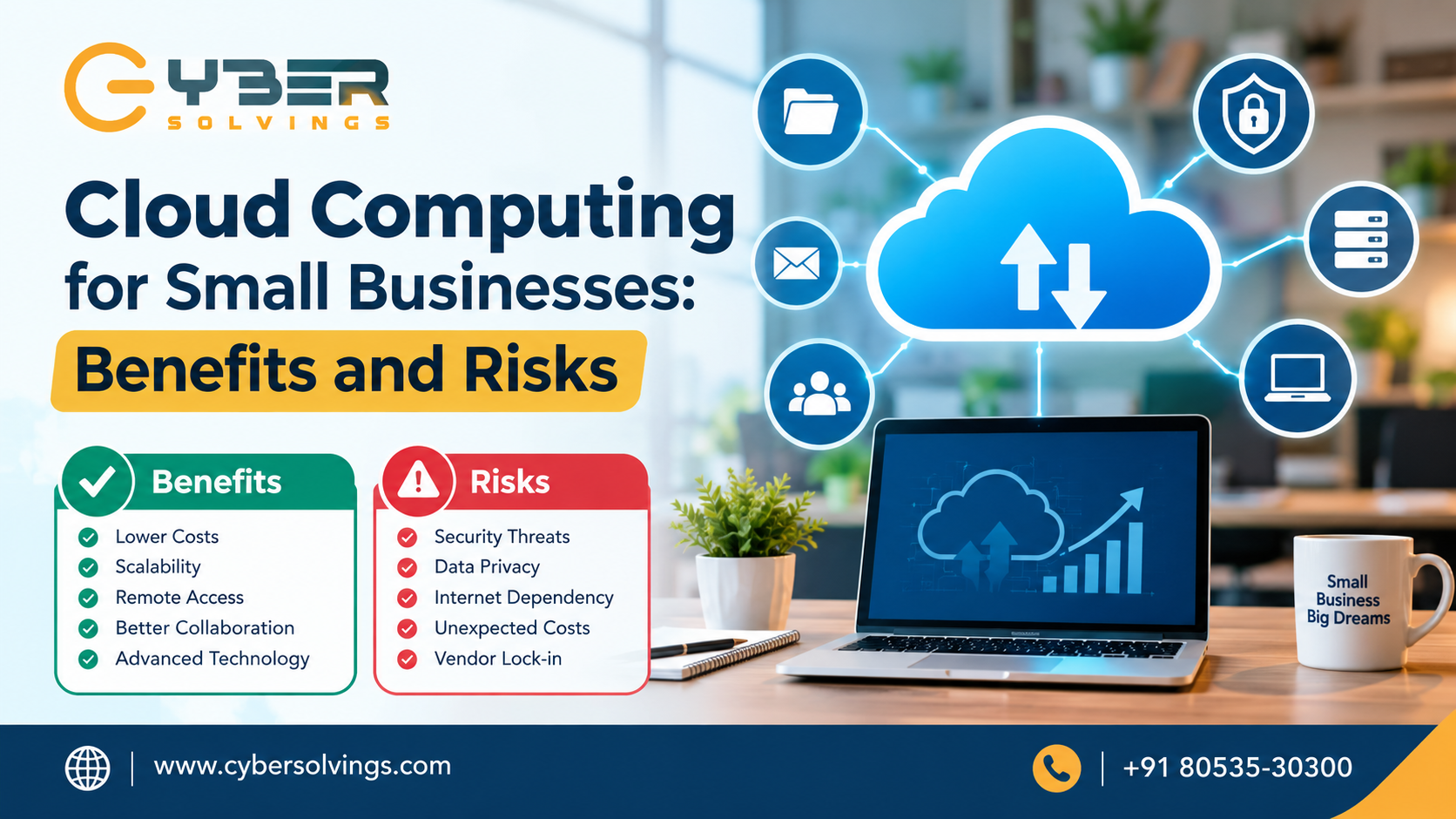
Cloud computing has changed the way businesses use technology. Instead of purchasing expensive servers, installing software on every computer, and maintaining complex IT infrastructure, businesses can access computing resources over the internet. For small businesses, this can provide access to enterprise-level technology without requiring a large upfront investment.
From cloud storage and online collaboration tools to cloud-based accounting, customer relationship management (CRM), cybersecurity, and business applications, cloud computing has become an important part of modern business operations.
According to the National Institute of Standards and Technology (NIST), cloud computing provides on-demand access to shared computing resources such as networks, servers, storage, applications, and services.
However, moving business operations to the cloud also introduces challenges. Security, privacy, internet dependency, vendor lock-in, unexpected costs, and service availability are important considerations.
In this guide, we will explore the benefits and risks of cloud computing for small businesses, explain common cloud service models, and provide practical tips for choosing and managing cloud services.
What Is Cloud Computing?
Cloud computing is the delivery of computing services through the internet rather than relying entirely on locally installed hardware and software.
Instead of storing all business files on a physical server in an office, a company can use cloud storage. Instead of installing business software on individual computers, employees can use cloud-based applications through a web browser or app.
Common cloud services include:
-
Cloud storage
-
Online backup
-
Business email
-
Accounting software
-
Customer relationship management (CRM)
-
Project management platforms
-
Communication and collaboration tools
-
Web hosting
-
Cloud databases
-
Application development platforms
-
Virtual servers
Cloud computing generally includes three major service models: Software as a Service (SaaS), Platform as a Service (PaaS), and Infrastructure as a Service (IaaS).
For small businesses, SaaS is often one of the easiest ways to adopt cloud technology because the provider manages much of the underlying infrastructure.
Why Is Cloud Computing Important for Small Businesses?
Small businesses often operate with limited budgets, smaller IT teams, and fewer technical resources than large enterprises. Traditionally, maintaining servers, networking equipment, software licenses, backups, and security systems could require significant investment.
Cloud computing provides an alternative approach.
Instead of purchasing and maintaining all infrastructure internally, businesses can rent computing resources or subscribe to cloud-based applications according to their requirements.
NIST notes that cloud computing can allow small businesses to access powerful computing resources without making large upfront investments in equipment, software, or specialized IT resources.
This flexibility can help small companies compete, expand, and respond more quickly to changing business requirements.
Benefits of Cloud Computing for Small Businesses
1. Lower Upfront IT Costs
One of the biggest advantages of cloud computing is that businesses can reduce the need for major upfront hardware investments.
A traditional IT environment may require businesses to purchase:
-
Physical servers
-
Storage systems
-
Networking equipment
-
Backup hardware
-
Software licenses
-
Maintenance contracts
Cloud services can shift some of these expenses toward subscription or usage-based models.
This does not automatically mean cloud computing will always be cheaper. Businesses should compare the complete cost of cloud subscriptions, migration, support, storage, data transfer, security, and administration with the cost of maintaining on-premises infrastructure.
Nevertheless, cloud computing can make it easier for small businesses to start using advanced IT resources without purchasing everything themselves.
2. Easy Scalability
Business requirements can change quickly.
A small company may have ten employees today and fifty employees in the future. Similarly, an online business may experience significant increases in website traffic during seasonal promotions.
Cloud infrastructure can provide greater flexibility to increase or decrease computing resources according to demand.
This scalability is particularly useful for growing businesses because they do not necessarily need to purchase new physical servers every time their technology requirements increase.
3. Remote Work and Accessibility
Cloud computing makes it easier for employees to access applications and files from different locations, provided they have appropriate authorization and internet access.
This can support:
-
Remote employees
-
Hybrid teams
-
Traveling employees
-
Multiple offices
-
Remote collaboration
-
Flexible working arrangements
Employees can work on documents, communicate with colleagues, access business applications, and manage projects without necessarily being physically present in the office.
However, remote access should always be protected with strong authentication, access controls, and appropriate security policies.
4. Improved Collaboration
Cloud-based collaboration tools can make it easier for employees to work together.
Instead of emailing multiple versions of a document, team members can often work on shared files and maintain centralized information.
Cloud collaboration can help businesses improve:
-
File sharing
-
Project management
-
Team communication
-
Document management
-
Scheduling
-
Customer communication
This can reduce duplication and make business information easier to access.
5. Automatic Software Updates
Many cloud-based applications are maintained by the service provider. Depending on the service, the provider may manage software updates, infrastructure maintenance, security patches, and other technical tasks.
This can reduce the amount of routine maintenance required from a small internal IT team.
However, businesses should still understand exactly what the provider manages and what remains the customer's responsibility.
Cloud services do not eliminate the need for IT management.
6. Better Backup and Disaster Recovery Options
Cloud technology can support business continuity by providing off-site storage and backup capabilities.
If a company's office experiences hardware failure, theft, fire, or another disruption, having properly configured cloud backups can provide an additional recovery option.
Businesses should not assume that simply storing data in a cloud application automatically creates a complete backup strategy. Backup retention, recovery points, deletion policies, and restoration procedures should be reviewed carefully.
NIST highlights business continuity and service-provider dependency as important considerations when evaluating cloud services.
7. Access to Advanced Technology
Cloud platforms can give small businesses access to technologies that might otherwise require significant infrastructure and expertise.
Examples include:
-
Artificial intelligence services
-
Data analytics
-
Cloud databases
-
Virtual machines
-
Advanced storage
-
Application development platforms
-
Security monitoring
-
Business intelligence tools
This allows smaller organizations to use technology that can support productivity and innovation without necessarily building the underlying infrastructure themselves.
Risks of Cloud Computing for Small Businesses
While cloud computing provides many advantages, businesses should understand the potential risks before moving important systems and data to the cloud.
1. Cybersecurity Risks
Security is one of the most important concerns when using cloud services.
Business data stored online may become a target for attackers. Common threats include:
-
Phishing
-
Stolen credentials
-
Malware
-
Ransomware
-
Unauthorized access
-
Misconfigured cloud resources
-
Account takeover
-
Data breaches
The use of a reputable cloud provider does not remove the customer's security responsibilities.
CISA guidance notes that moving information to cloud services can reduce direct control over data while potentially providing access to security expertise and resources that many individual users may not have themselves.
Businesses should therefore use strong passwords, multi-factor authentication, access controls, encryption where appropriate, monitoring, employee security training, and regular security reviews.
2. Data Privacy and Compliance
Businesses may store sensitive information in cloud environments, including:
-
Customer information
-
Employee records
-
Financial information
-
Business documents
-
Intellectual property
-
Confidential communications
Organizations need to understand where their information is stored, who can access it, how it is protected, and what contractual or regulatory requirements apply.
NIST identifies security and privacy as important considerations when organizations outsource data, applications, and infrastructure to public cloud environments.
Before selecting a cloud provider, businesses should review its security practices, privacy policies, contractual terms, compliance capabilities, and data-handling procedures.
3. Internet Dependency
Cloud services generally require an internet connection.
If a business experiences an internet outage, employees may temporarily lose access to important cloud applications.
For this reason, businesses that rely heavily on cloud services should consider internet redundancy, backup connectivity, offline capabilities where available, and business continuity procedures.
4. Unexpected Cloud Costs
Cloud services can introduce flexible pricing, but poorly managed cloud environments can also generate unexpected expenses.
Costs may increase because of:
-
Increased storage
-
Additional users
-
Higher service tiers
-
Data transfer
-
Additional applications
-
Premium security features
-
Increased computing usage
-
Duplicate subscriptions
Small businesses should regularly review cloud usage and invoices to identify services that are unnecessary or underutilized.
5. Vendor Lock-In
Vendor lock-in occurs when moving applications or data from one provider to another becomes difficult, expensive, or technically complicated.
Proprietary technologies, data formats, application dependencies, and migration costs can make switching providers challenging.
NIST identifies interoperability, service agreements, and provider dependency as issues that organizations should consider when evaluating cloud environments.
Before signing a long-term contract, businesses should ask:
-
Can our data be exported?
-
In what format?
-
How much does data migration cost?
-
What happens if we cancel the service?
-
How long will our data remain available after cancellation?
-
Are there minimum contract periods?
6. Cloud Service Downtime
Even reliable cloud providers can experience outages.
If a critical business application becomes unavailable, employees may be unable to perform important tasks.
Businesses should therefore evaluate a provider's service-level agreements (SLAs), availability commitments, incident response processes, and support options.
For critical systems, organizations should also develop contingency procedures rather than relying entirely on the assumption that cloud services will always be available.
7. Shared Responsibility for Security
A common misunderstanding is that the cloud provider is responsible for everything related to security.
In reality, responsibilities are often divided between the provider and the customer.
The provider may manage physical infrastructure and certain platform-level security controls, while the customer may remain responsible for areas such as:
-
User accounts
-
Passwords
-
Permissions
-
Data
-
Application configuration
-
Security settings
-
Device security
The exact responsibilities depend on the cloud service and provider.
How Small Businesses Can Use Cloud Computing Safely
Cloud adoption should be planned rather than rushed.
Here are several practical steps small businesses can take.
1. Identify Important Data
Determine which information is sensitive, business-critical, confidential, or subject to specific legal requirements.
2. Choose Reputable Providers
Evaluate providers based on security controls, reliability, support, contractual terms, data protection, and business requirements.
3. Enable Multi-Factor Authentication
MFA adds an additional verification layer and can reduce the impact of compromised passwords.
4. Use Role-Based Access
Employees should receive only the access necessary to perform their jobs.
When an employee changes roles or leaves the company, permissions should be reviewed and updated promptly.
5. Maintain Independent Backups
Important business information should have an appropriate backup strategy. Businesses should also periodically test whether backups can actually be restored.
6. Monitor Cloud Spending
Review cloud subscriptions and usage regularly to identify unnecessary services and unexpected charges.
7. Create a Disaster Recovery Plan
Document what the business will do if a critical cloud application becomes unavailable.
8. Train Employees
Employees should understand phishing, password security, suspicious links, data handling, and other common cybersecurity risks.
9. Review Contracts and SLAs
Understand uptime commitments, support arrangements, data ownership, termination conditions, backup responsibilities, and incident notification procedures.
How Cybersolvings Can Help With Cloud and IT Needs
For small businesses, cloud adoption is not simply about selecting a cloud application and moving data online. It requires planning, security, configuration, monitoring, maintenance, and ongoing support.
Cybersolvings can help businesses approach their IT environment with a focus on reliability, security, and business requirements.
Whether a company is considering cloud migration, improving its existing cloud environment, strengthening cybersecurity, or managing day-to-day IT operations, having the right IT support can make the process easier to manage.
A structured approach can help businesses understand which systems should move to the cloud, which information requires additional protection, what access controls are necessary, and how the organization can maintain business continuity.
Is Cloud Computing Right for Your Small Business?
Cloud computing can provide small businesses with flexibility, scalability, remote accessibility, collaboration, and access to modern technology.
At the same time, it introduces risks related to cybersecurity, privacy, service availability, internet dependency, costs, and provider dependency.
The right approach is not simply to ask whether cloud computing is good or bad for a business. Instead, businesses should evaluate which cloud services they need, what information they will place in the cloud, what risks are involved, and how those risks can be managed.
NIST recommends considering both the opportunities and risks of cloud computing when organizations evaluate cloud technologies.
For many small businesses, a carefully planned cloud strategy can become an important part of a modern IT environment.
Conclusion
Cloud computing has made advanced technology more accessible to small businesses. It can reduce the need for large upfront infrastructure investments, support remote work, improve collaboration, provide scalability, and give businesses access to a wide range of modern applications and computing resources.
However, cloud computing is not completely risk-free. Cybersecurity threats, privacy concerns, service outages, unexpected costs, internet dependency, and vendor lock-in should all be considered before adopting cloud services.
The key is planned and secure cloud adoption.
Small businesses should evaluate their requirements, choose providers carefully, implement strong security controls, monitor costs, maintain appropriate backups, and regularly review their cloud environment.
With the right strategy and ongoing IT support, cloud computing can become a valuable technology foundation for business growth and productivity.
For businesses looking for reliable IT and technology support, Cybersolvings can be part of the journey toward a more secure, flexible, and efficient IT environment.

 English
 Arabic
 French
 Spanish
 Portuguese
 Deutsch
 Turkish
 Dutch
Dutch
 Italiano
 Romaian
 Portuguese (Brazil)
 Greek
Greek