


Microsoft Dynamics 365 Business Central AI and Automation: What Businesses Need to Know
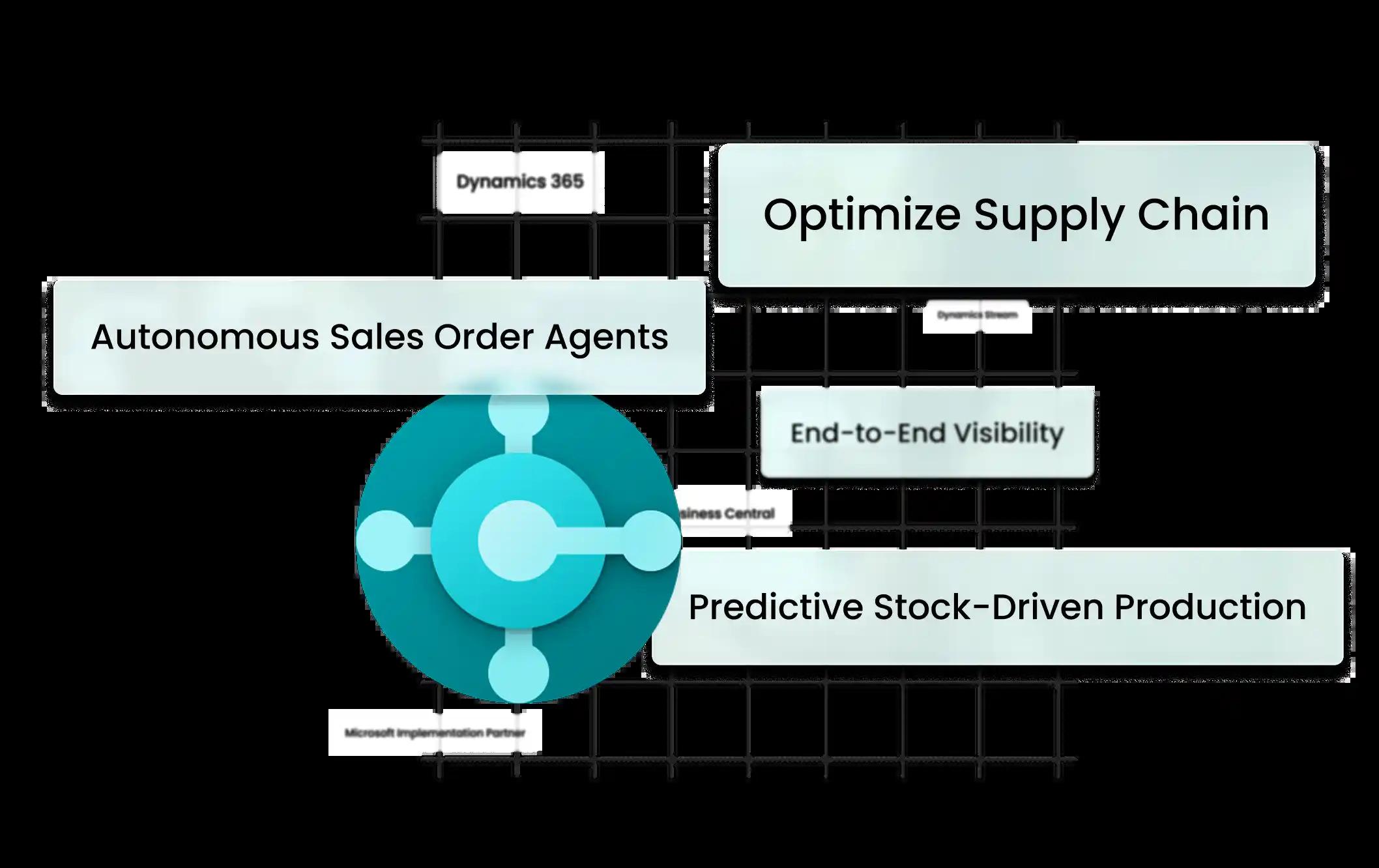
Enterprise software is changing rapidly as artificial intelligence and automation become part of everyday business operations.
ERP systems are no longer used only to record transactions. Modern ERP platforms increasingly help employees automate repetitive work, analyze information, identify opportunities, and make better business decisions.
Microsoft Dynamics 365 Business Central is part of this transformation, combining core ERP functionality with automation, analytics, Microsoft ecosystem integrations, and growing AI capabilities.
For businesses considering an ERP modernization project, understanding the role of AI and automation in Business Central can help identify new opportunities for efficiency.
What Is Microsoft Dynamics 365 Business Central?
Microsoft Dynamics 365 Business Central is a business management and ERP platform designed primarily for small and midsize organizations.
It brings together processes such as:
-
Finance
-
Accounting
-
Sales
-
Purchasing
-
Inventory
-
Supply chain
-
Manufacturing
-
Projects
-
Service
-
Reporting
By connecting these processes, organizations can create a central source of business information that can support automation and analytics.
Why AI Matters in ERP
ERP systems contain large amounts of business information.
This can include:
-
Financial transactions
-
Customer records
-
Sales orders
-
Purchase orders
-
Inventory information
-
Vendor information
-
Product data
-
Project information
Historically, employees had to manually review much of this information.
AI can help users process information more efficiently by assisting with repetitive activities, generating insights, summarizing information, and supporting selected business workflows.
AI and Business Central
Microsoft has been adding AI-powered functionality to Business Central to help users work more efficiently.
Depending on the available capabilities and configuration, AI can assist with activities involving areas such as:
-
Financial workflows
-
Document processing
-
Product information
-
Customer interactions
-
Data analysis
-
Recommendations
-
Business automation
The exact capabilities available can change as Microsoft introduces new Business Central updates.
This makes it important for organizations to regularly evaluate new functionality rather than treating their ERP system as static software.
Automating Repetitive Business Processes
Automation is one of the most practical ways businesses can improve ERP efficiency.
Employees frequently perform repetitive tasks such as:
-
Sending approval requests
-
Creating recurring documents
-
Processing information
-
Updating records
-
Sending notifications
-
Moving data between systems
-
Generating routine reports
Business Central workflows and integrations can help automate selected processes.
For example, an organization can establish approval workflows based on specific business conditions.
AI-Assisted Financial Operations
Finance teams can benefit significantly from automation and intelligent assistance.
Financial departments often process large numbers of transactions and documents.
Automating parts of these workflows can reduce administrative effort and allow finance professionals to focus more on analysis and decision-making.
Business Central's financial capabilities can also be connected with other Microsoft technologies to support reporting and analytics.
AI, Analytics, and Business Intelligence
AI becomes more valuable when it can work with accurate business data.
Business Central provides a connected data environment covering financial and operational activities.
Organizations can combine Business Central with analytics technologies such as Power BI to create dashboards and reports.
Management can then analyze information related to:
-
Revenue
-
Profitability
-
Sales
-
Inventory
-
Purchasing
-
Customers
-
Cash flow
-
Operations
The combination of ERP data, analytics, automation, and AI can create a stronger foundation for data-driven decision-making.
Connecting Business Central With Microsoft Power Platform
The Microsoft ecosystem provides additional opportunities for automation.
Business Central can work with technologies such as:
-
Power BI
-
Power Automate
-
Power Apps
-
Dataverse
-
Microsoft Teams
-
Microsoft 365
Power Automate, for example, can help organizations build workflows connecting Business Central with other applications.
This allows businesses to automate processes that extend beyond the ERP system itself.
AI Does Not Replace Good Business Processes
One important point should not be overlooked.
AI cannot compensate for poorly designed business processes or inaccurate data.
Before introducing advanced automation, organizations should first understand:
-
How the current process works
-
Where delays occur
-
Where employees perform repetitive tasks
-
Where errors happen
-
Which data sources are authoritative
-
Which decisions require human approval
The best AI strategy usually begins with a strong operational foundation.
Business Central for Intelligent Automation
Businesses can identify automation opportunities across many departments.
Finance
Automate approvals, document processing, notifications, and recurring financial activities.
Sales
Streamline order processes, customer information, notifications, and reporting.
Purchasing
Automate selected approval workflows and purchasing activities.
Inventory
Use connected information to improve visibility and support inventory decisions.
Operations
Connect different applications and automate information flows between systems.
Benefits of Business Central Automation
A well-designed automation strategy can help organizations achieve:
-
Less manual data entry
-
Faster workflows
-
Fewer repetitive tasks
-
Better information consistency
-
Improved visibility
-
Faster approvals
-
More efficient reporting
-
Better employee productivity
The actual results depend on the organization's processes, configuration, data quality, integrations, and adoption.
Preparing for AI-Enabled ERP
Organizations planning a Business Central implementation should consider AI and automation from the beginning.
Instead of asking only:
"How do we move our existing processes into Business Central?"
Businesses should also ask:
"Which processes should we redesign and automate?"
This approach can help companies avoid simply transferring inefficient legacy processes into a modern ERP system.
Choosing a Business Central Implementation Partner
A knowledgeable Microsoft Dynamics 365 Business Central implementation partner can help organizations identify automation opportunities during the ERP planning process.
An implementation partner can assist with:
-
Business process analysis
-
Business Central configuration
-
Data migration
-
Integrations
-
Workflow automation
-
Customization
-
Testing
-
User training
-
Post-launch optimization
This ensures technology decisions remain connected to actual business objectives.
Final Thoughts
AI and automation are changing the role of ERP software.
Microsoft Dynamics 365 Business Central combines core business management capabilities with automation, analytics, integrations, and expanding AI functionality.
For organizations planning to modernize their ERP environment, the opportunity is not simply to replace outdated software. It is to redesign inefficient processes and build a more connected, automated, and data-driven operation.
Dynamics Stream helps businesses implement, integrate, customize, and optimize Microsoft Dynamics 365 Business Central while identifying opportunities for automation, analytics, and AI-enabled business processes.

 English
 Arabic
 French
 Spanish
 Portuguese
 Deutsch
 Turkish
 Dutch
Dutch
 Italiano
 Russian
 Romaian
 Greek
Greek